A private posture reminder that never saves your camera
By Alok Paryani, Founder. Published
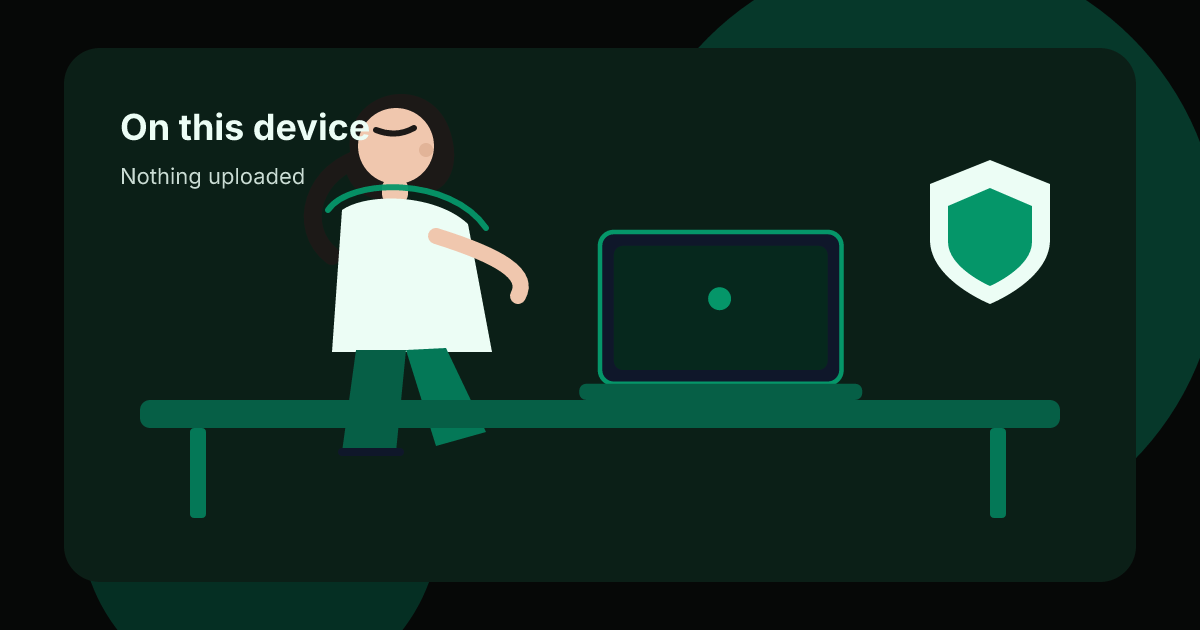
A webcam posture reminder only deserves your trust if you can say, in one sentence, what happens to the picture. Here is DeskZen's sentence. The camera stays on your device. Photos and video are never saved or uploaded. The snapshot used for a check stays in memory only, and then it is gone. This page is the longer version of that rule, including the things DeskZen does store, so "private" is not a vague promise.
DeskZen is a wellness tool, not a medical device. It helps you notice a slouch. It does not diagnose or treat anything. If something hurts, talk with a health professional.
What on-device posture actually means
On-device posture means the check runs on your computer, inside the browser, with a model that works locally. Your laptop webcam, or a camera you plug in, supplies the picture. DeskZen looks at that frame to compare you with the outline you set when you sat your best. The comparison happens in the browser tab. The picture is not sent to DeskZen, and it is not written into a file.
That is different from a tool that uploads a clip or a stream of landmarks so a server can score you. A private posture app should be able to point at the place the picture stops. For DeskZen, it stops in memory on your device.
You still have to allow the camera. The browser will ask, and you can say no. You can also pause the camera inside DeskZen any time, with one control, and the tracks stop. When you are done for the day, closing the tab or pausing is enough to end the check. You do not need to find a recording to delete, because there is not one.
What never gets saved
Photos and video are never saved or uploaded. DeskZen does not build a clip of your workday, does not keep a snapshot in a gallery, and does not send images or raw landmarks to a server. The frame used for the posture check stays in memory only. When the check moves on, that frame is not a file you could open later, and it is not a file we could open either.
Webcam privacy, in this product, is that boundary. The camera is on so the slouch detector can help you notice a change in your outline. The camera is not on so anyone can watch you back. Amber on the screen means a slouch cue, not a saved moment. The drawing at the top of this page is an illustration, not a photo from someone's laptop.
What can stay on this computer, and what an account is
"Never saves your camera" is not the same sentence as "stores nothing." A useful private posture app still needs a few numbers so it can remember your setup. DeskZen keeps your posture outline, settings, and daily scores in this browser, on your device. Those are measurements and preferences. They are not photos or video.
An account is optional. You can set your Zen and open Live view with no sign-up. If you do sign in, that uses an email magic link. We store the email address and the account data needed to keep you signed in. Your outline and progress stay in the browser. They are not synced to our servers today. Signing in does not start uploading the camera.
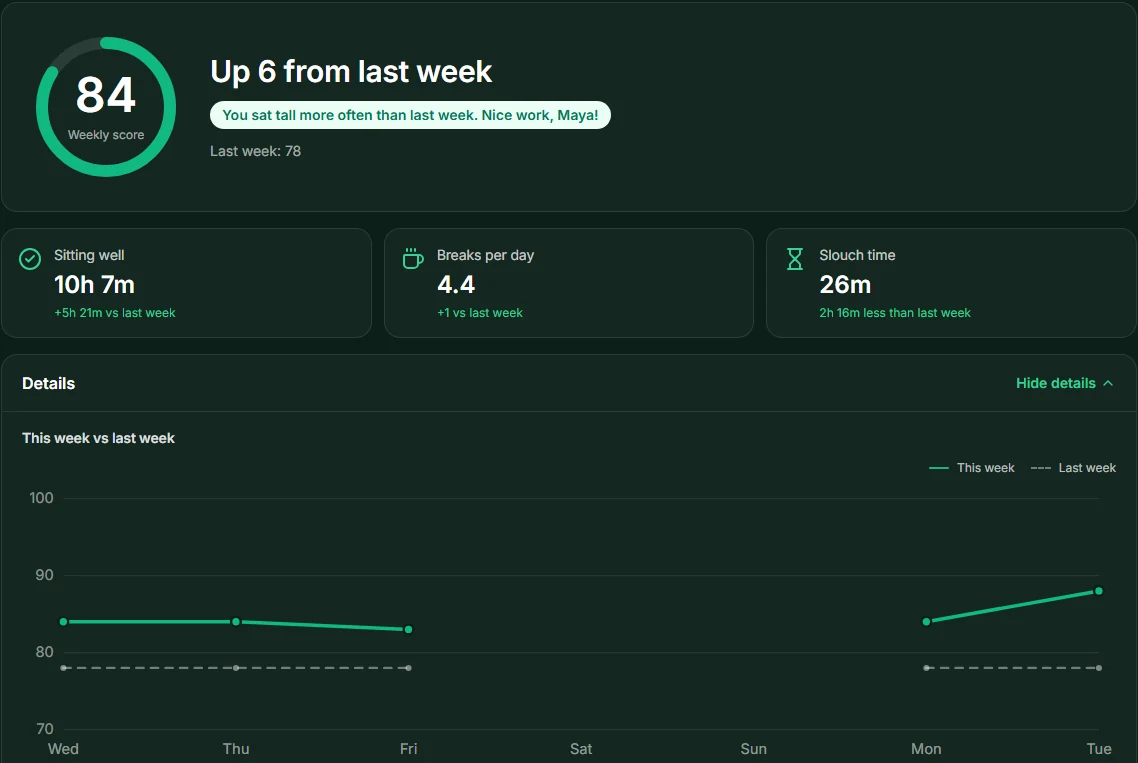
You can clear what this browser saved from Settings in the app, or by clearing site data for DeskZen in your browser. To delete an account, or to ask a privacy question, the Privacy Policy lists the contact address. That policy is the source of the rules on this page. If the two ever disagree, the policy is the one to trust, and this page should be updated to match it.
The public website is not the camera check
It helps to separate two places. The marketing pages, including this guide, are a normal website. They use Google Analytics to count visits and see how people find the site. The DeskZen app, where the camera turns on, does not load Google Analytics. The camera feed stays on your device there and is never uploaded or saved.
DeskZen also counts a few anonymous usage events, such as started Live view, to see if the product is working. A count stores a short event name, a random id for that browser tab, and sometimes the page path. It includes no personal info and no camera data. We do not store your email, account id, or IP address with these counts. Optional feedback you choose to send is stored without your name or email. We do not use advertising cookies.
None of those events is a picture. If you never open the app, the camera never starts. Reading this article does not turn it on. The button to Set my Zen is what asks the browser for the camera, and only after you continue.
Questions worth asking any webcam posture tool
If you compare DeskZen with another private posture app, the brochure words are easy to copy. These questions are harder, and they are the ones that matter for webcam privacy.
- Does the check run on the device, or does a server see the frame?
- Are photos, video, or landmarks written to disk or sent anywhere?
- Can you use it with no account?
- Can you pause the camera in one step, and does that stop the tracks?
- What numbers are stored, where, and how do you delete them?
- Does the marketing site use analytics that the camera screen does not?
You should be able to get plain answers without a scavenger hunt. DeskZen's answers are the ones above. The same rules apply on a Mac and on a Windows PC, because it is the same browser page. There is nothing to install, which also means there is no separate desktop app with its own camera permission sitting in the menu bar. The posture reminder for Mac and Windows page is the practical version of that, and the free webcam posture checker explains the slouch nudge itself.
Privacy does not replace a decent setup
A camera that stays on your laptop can still be a nuisance if the reminder is harsh or the chair is fighting you. On-device posture is the privacy half. The other half is a nudge you can live with: sit your best once, work as usual, and get a quiet tip when you drift. You can snooze it. You can ignore a single cue and keep typing. The tool helps you notice. It does not grade your character.
The habit side is in how to stop slouching at your desk, stand-up and stretch reminders, and a slouch detector versus a sit-up timer.
Use DeskZen on devices you control, and only point the camera at people who are fine with it. Pause it when someone else sits down, or when you would rather not be in frame.
Sources
Questions
Does this private posture app upload my camera?
No. DeskZen checks posture inside your browser. The camera stays on your device. Photos and video are never saved or uploaded.
What does on-device posture mean?
The posture check runs on your computer, in the browser, with an on-device model. The snapshot stays in memory only. It is not sent to DeskZen.
Is webcam privacy the same as never storing anything?
The camera picture is never saved. DeskZen can keep your outline, settings, and scores in this browser, and an optional account stores an email for sign-in. Those are not photos or video. App progress is not synced to our servers today.
Can I pause the camera?
Yes. You can pause the camera any time. You can also clear what DeskZen saved in this browser from Settings, or by clearing site data in your browser.
Keep reading
Try DeskZen free
Set your Zen with the camera on your device. Photos and video are never saved or uploaded.
Set my ZenNo sign-up. No credit card. About 30 seconds.
Sign in if you already have an account.
DeskZen is a wellness tool, not a medical device.