HomePosture reminder for Mac and Windows
Posture reminder for Mac and Windows
A free posture reminder for Mac, Windows, and any laptop with a webcam. Nothing to download. DeskZen runs in the browser, and the camera stays on your device.
No sign-up. No download. Your camera stays on your device.
What to look for before you install anything
Search results for a posture reminder app for Mac are full of menu-bar utilities. Windows has its own set of desktop apps. Many of them are fine if you want a dedicated install and you are comfortable giving that program permission to run all day. A few questions are worth asking first.
- Does it watch for a slouch, or does it only ring a timer?
- Does the camera stay on the computer, or can video leave the machine?
- Can you try it with no sign-up?
- Does the same tool exist for your work PC and your home Mac?
Native apps can sit beside the clock and stay out of the browser. That is a real advantage if you never want a tab open. The tradeoff is an installer, a separate update cycle, and sometimes a different app on each system.
One laptop posture reminder for both
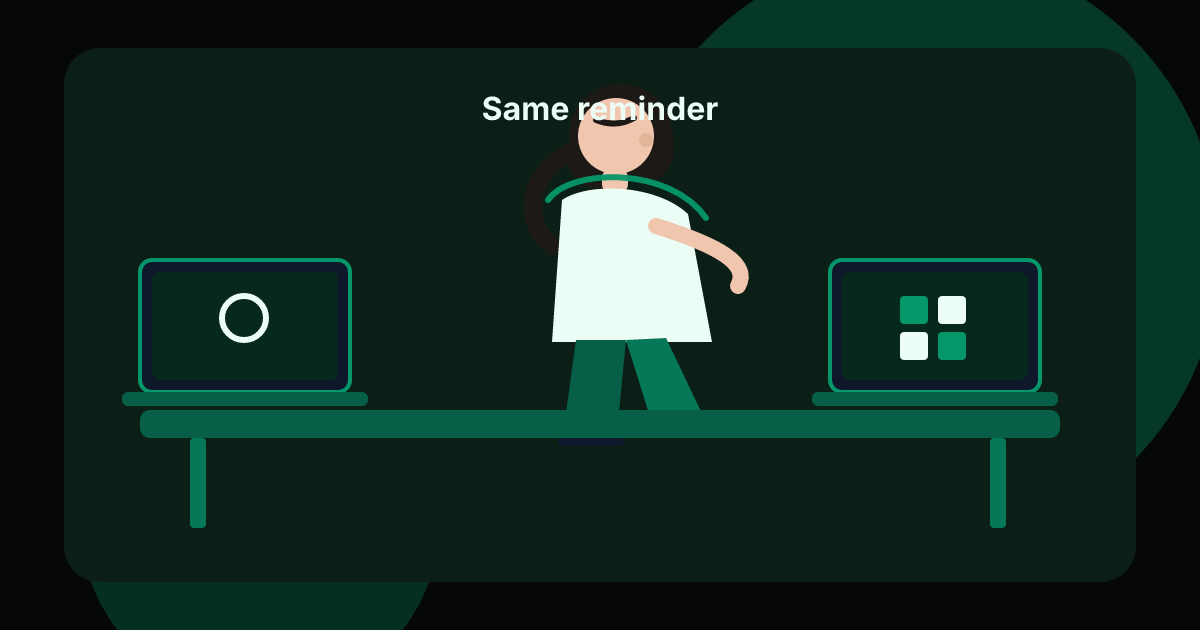
DeskZen is the browser option. Open it on a Mac. Open the same site on a Windows laptop. There is no App Store step and no .exe to run. A posture reminder for Mac and a posture reminder for Windows can be the same tab.
Your laptop webcam is enough. Set your Zen once on that computer, then work. When you slouch, you get a nudge that helps you notice it. When you want a break, DeskZen can remind you to stand, look away, or drink water. Quiet hours keep it silent during a meeting or a deep work block.
It does not claim to fix how your back feels. It is a wellness tool, not a medical device. The job is a gentle tap so you can sit tall again and keep going.
How to start on this computer
- Use Chrome, Edge, Safari, or another current browser. Phones are not the focus. A laptop camera sees your desk posture more steadily.
- Allow the camera when the browser asks. The picture is checked on this device and is never uploaded.
- Choose Set my Zen and sit your best for about 30 seconds. No sign-up.
- Leave the tab open while you work. Pause the camera any time from the on-screen control.
If you switch computers, set your Zen again there. The outline is stored in that browser, not on a server. That is intentional. It is how photos and video stay off our systems. Numbers such as a weekly score can stay in this browser too. They are not a recording of you.
Want the posture check itself, step by step? The free webcam posture checker page walks through the slouch nudge, privacy, and the difference between a camera check and a sit-up timer.
Mac and Windows, without two installs
On a Mac, you do not need a menu-bar item to get a reminder. On Windows, you do not need a startup program. Updates ship with the website, so you are not managing two versions. If your workplace laptop blocks app stores but allows the browser, the page still opens.
Give the camera a clear view of your head and shoulders. About an arm's length from the screen, roughly 20 to 28 inches, is a comfortable place to start. Then forget about the tool until it has something useful to say.
Questions
Is there a posture reminder app for Mac that I do not have to install?
Yes. DeskZen runs in the browser on a Mac. There is no App Store download and no menu-bar install.
Does the same reminder work on Windows?
Yes. Open the same page on a Windows laptop. It is one posture reminder for both, with nothing to install.
Does it use my laptop webcam?
Yes. The laptop camera is enough. The picture is checked on your device and is never uploaded.
Do I need an account?
No. You can try it with no sign-up. An account is optional, and your camera stays on your device either way.
Is DeskZen a medical device?
No. It is a wellness tool that helps you notice slouching. It does not diagnose or treat anything. If something hurts, talk with a health professional.
Keep going
- Free webcam posture checkerA slouch detector in your browser. No download and no sign-up.
- How to stop slouching at your deskDesk setup and small habits that may help you sit taller.
- Why you crash at 3 PMWhy afternoons feel heavy, and simple resets that may help.
- Slouch detector vs a sit-up timerWhy a camera nudge is different from a posture timer that only rings on a clock.
- Stand-up and stretch remindersHow to set a stand up reminder and a stretch reminder you will keep while you work.
- A private posture reminderHow on-device posture checks work, and why the camera picture is never saved.
More desk guides are on the Learn page. The camera rules are in the Privacy Policy.
Ready when you are
Set your Zen once. About 30 seconds, then you are back to work.
No sign-up. No download. Your camera stays on your device.
DeskZen is a wellness tool, not a medical device.