HomeWebcam posture checker
Free webcam posture checker
Check your posture in the browser, with no download and no sign-up. DeskZen is a slouch detector that helps you notice when you drift. The camera stays on your device.
No sign-up. No download. Your camera stays on your device.
How the checker works
DeskZen is a webcam posture checker that lives in a browser tab. You sit your best once. That shape becomes your Zen, a personal outline stored on this device. Then you work as usual. When your head drifts toward the screen or your shoulders round away from that outline, a quiet nudge shows up.
- Set your Zen. Sit tall and comfortable for a few seconds while DeskZen learns your outline.
- Leave the tab open on your laptop and get on with the work in front of you.
- Get a nudge when you slouch. Sit tall when you can, then keep going. There is no score to chase in the moment.
It is a sit up straight reminder that watches you, not a clock. A timer can ring while you are already sitting well, or stay quiet while you fold toward the keyboard. A browser posture checker looks at the shape you are actually in.
No download, and no account
A lot of people search for a free posture corrector app with no download. Here is the plain version of that idea. DeskZen does not correct you, and it is not a medical device. It is a reminder. It helps you notice slouching so you can reset on your own.
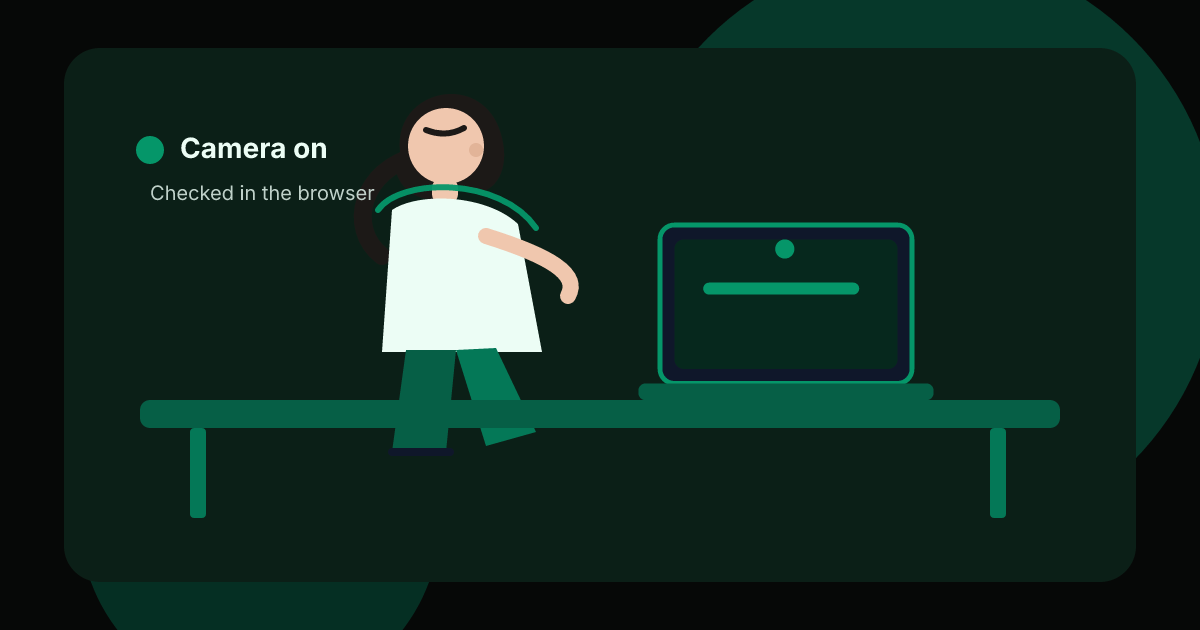
There is nothing to install. Chrome, Edge, Safari, or Firefox on a laptop is enough, plus the webcam you already have. Choose Set my Zen and you are in the guest flow: no sign-up, no credit card, and no extra program running in the menu bar. An account is optional later, if you want one.
The same page works on a Mac and on a Windows PC. If you use both, open the Mac and Windows guide for what to expect on each computer. The outline stays in the browser where you set it, which is how the camera data stays off our servers.
What stays on your device
The camera stays on your device. Photos and video are never saved or uploaded. DeskZen does not build a clip of your workday, and it does not send landmarks or images to a server. You can pause the camera with one click. You can clear the outline and other saved numbers from Settings in the app, or by clearing site data in the browser.
DeskZen can also remind you to look away, drink water, stand, or stretch. Those break reminders are separate from the posture check. Use the ones you want, and quiet hours keep the tips silent when you need to focus.
A simple setup before the first check
- Put the webcam near eye level. A short stack of books under a laptop, or an external camera on the monitor, is enough.
- Sit about an arm's length from the screen, roughly 20 to 28 inches, so you are not craning forward to read.
- Plant both feet and let the chair support your back. The goal is a shape you can keep, not a stiff pose.
- Set your Zen in that shape. It takes about 30 seconds. Then leave Live view open while you work.
If the nudge shows up, it is information, not a verdict. Sit tall, stand for a minute, or snooze it and finish the sentence you were on. The useful part is noticing sooner.
Questions
Is this webcam posture checker free?
Yes. DeskZen is free during early access. There is no credit card and no sign-up. You can set your Zen and open Live view right in the browser.
Do I need to download an app?
No. DeskZen is a browser posture checker. Keep this tab open on your laptop. There is nothing to install.
Is it a free slouch detector?
Yes. After you sit your best once, DeskZen watches for a slouch against your own outline and gives you a nudge. It is a reminder, not a medical device, and it does not diagnose or treat anything.
Does my camera video get uploaded?
No. The camera stays on your device. Photos and video are never saved or uploaded. The check runs inside your browser.
Will it work on a Mac and on Windows?
Yes. Any modern desktop browser with a webcam is enough. The same page works on a Mac and on a Windows PC.
How is this different from a sit up straight timer?
A timer rings on a clock, even if you are already sitting well. DeskZen looks at your posture and nudges you when you actually slouch.
Keep going
- Posture reminder for Mac and WindowsThe same laptop reminder on a Mac or a Windows PC. Nothing to install.
- How to stop slouching at your deskDesk setup and small habits that may help you sit taller.
- Why you crash at 3 PMWhy afternoons feel heavy, and simple resets that may help.
- Slouch detector vs a sit-up timerWhy a camera nudge is different from a posture timer that only rings on a clock.
- Stand-up and stretch remindersHow to set a stand up reminder and a stretch reminder you will keep while you work.
- A private posture reminderHow on-device posture checks work, and why the camera picture is never saved.
More desk guides are on the Learn page. The camera rules are in the Privacy Policy.
Ready when you are
Set your Zen once. About 30 seconds, then you are back to work.
No sign-up. No download. Your camera stays on your device.
DeskZen is a wellness tool, not a medical device.