How to stop slouching at your desk
By Alok Paryani, Founder. Published . Updated
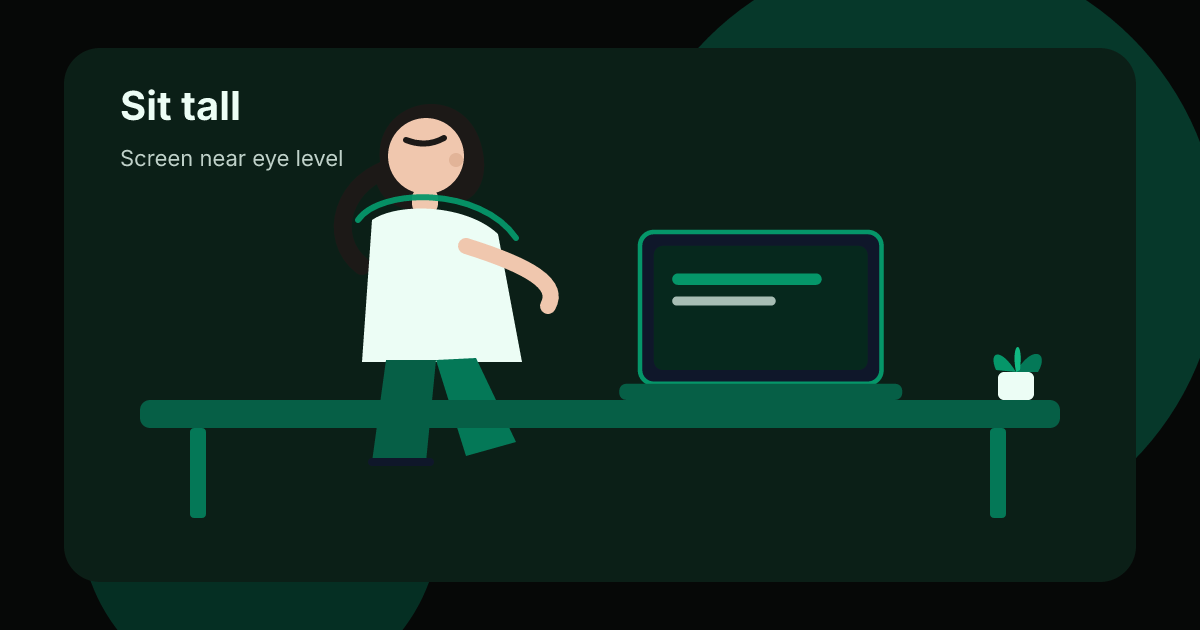
If you sit down tall at 9 AM and notice yourself folded into the chair by 3 PM, you are in good company. Most desk days start with good intentions and slowly slide. The goal is not a stiff, military pose. It is a setup and a few small habits that make it easier to sit in a relaxed, supported way, and to notice when you start to melt.
DeskZen is a wellness tool, not a medical device. The tips below are general. They may help you feel more comfortable at your desk. They do not diagnose or treat pain or any condition. If something hurts, or pain keeps coming back, please talk to a health professional.
Why slouching sneaks up on you
Slouching rarely happens all at once. Your hips slide forward an inch. Your shoulders round. Your head drifts toward the screen. None of it feels dramatic in the moment, which is why it is so easy to spend an afternoon in a shape you never meant to hold.
Harvard Health notes that posture is about more than looking poised. The way you hold yourself can affect how you feel through the day, including comfort in your back, neck, and shoulders. Their guides on why posture matters and on surprising risks of poor posture are written for regular readers, not specialists, and they are a calm place to start if you want more background.
You do not need perfect posture every second. Bodies like to move. What tends to wear people down is staying in one slumped shape for a long stretch without a break.
What a comfortable desk posture looks like
The U.S. Occupational Safety and Health Administration describes a neutral working position for computer work. In plain language, that means:
- Your back is supported by the chair, with a slight curve in the lower back rather than a deep C-shape.
- Your feet rest flat on the floor or on a footrest, and your knees sit at about the same height as your hips.
- Your shoulders stay relaxed, not shrugged up toward your ears.
- Your elbows stay close to your body, roughly at a right angle, with your wrists straight as you type.
- The top of the monitor sits at or a little below eye level, about an arm's length away, so you are not peering down or craning forward.
OSHA's computer workstation pages walk through this in more detail, including how to adjust a chair and where to place the keyboard, mouse, and screen. The aim is a position you can sustain, not a pose you have to freeze in.
If your chair is too low, the desk is too high, or the laptop sits in your lap, your body will find a workaround. That workaround is often a slouch.
Set up the chair, then the screen
Start with the chair, because everything else hangs on it.
Raise or lower the seat so your feet are grounded and your thighs are roughly level. If the seat is too high and your legs dangle, tuck a footrest or a sturdy box under your feet. Sit back so the backrest actually meets your back. If the chair has lumbar support, place it in the small of your back. If it does not, a small cushion can stand in.
Next, bring the work to you. If you use a laptop, a simple stand or a stack of books plus a separate keyboard and mouse can lift the screen and keep your wrists happier. For a monitor, raise it so you are not looking down for hours. Keep the things you grab all day, like the mouse, your notebook, and your water, close, so you are not twisting again and again.
OSHA's workstation guidance is built around this same order: support the body first, then place the tools where your hands and eyes can reach them without stretching. A few minutes of setup in the morning may help more than reminding yourself to "sit up" a hundred times.
Small habits that may help more than a perfect pose
A beautiful setup still cannot save a four-hour stretch with no movement. Try stacking a few of these.
- The 20-minute reset. Every so often, sit all the way back in the chair, roll your shoulders up and back, and let your head float over your ribs instead of out toward the screen. Ten seconds is enough.
- Stand to think. Take calls or reread a draft on your feet. You do not need a standing desk. Pushing the chair back and standing for a few minutes counts.
- Look farther away. Lift your gaze to something across the room. It reminds your neck that it does not have to chase the pixels.
- Uncross and plant. If you tend to hook a foot under the chair or sit on one foot, plant both feet again. It is a quiet way to stack your hips more evenly.
- Change something every hour. Stand, stretch your arms overhead, walk to get water, or do a slow shoulder roll. Movement is the point.
None of this has to be a workout. Harvard Health's pieces on posture and on long periods of sitting both point back to a simple idea: your body does better when it is not locked in one position all day.
Notice it sooner, without nagging yourself
The hard part is not knowing what better looks like. The hard part is noticing that you have left it. By the time your neck feels cranky, you may have been rounded forward for an hour.
That is the gap a gentle reminder can fill. DeskZen uses your webcam, right in the browser, to watch the outline of your posture after you sit your best once to set your Zen. When you sink, it gives you a nudge. The camera feed stays on your device. Photos and video are never saved or uploaded.
It will not force you into a rigid pose, and it is not a substitute for medical care. It is a quiet tap on the shoulder so you can sit tall again and keep going.
When to get extra help
General desk tips are not the right tool for everything. Please see a health professional if you have sharp or lasting pain, numbness or tingling, pain that travels down an arm or leg, or anything that worries you after an injury. A clinician can look at your specific situation. These articles cannot.
Sources
Keep reading
You may also like why you crash at 3 PM, and how your posture plays a part, the difference between a webcam slouch detector and a sit-up timer, and the free webcam posture checker.
Try DeskZen free
Sit your best once, then get a gentle, private nudge when you start to slouch. Your camera stays on your device.
Set my ZenNo sign-up. No credit card. About 30 seconds.
Sign in if you already have an account.
DeskZen is a wellness tool, not a medical device.